
Car-audio enclosure planning
Subwoofer Box Calculator
Check airspace, plan a vent and print a measured panel worksheet. Start with your exact driver manual.
Free worksheet · formula 1.0.0
Examples are labeled. Unknown source fields stay blank.
Inputs stay in this browser. Blank displacement means unknown. Tool privacy
Your worksheet
v1.0.0Choose an example or enter measurements, then calculate.
Your volume ledger, drawing and fit checks will appear here. No dimensions are assumed.
Geometry and ideal acoustic planning; no power, sound or attachment guarantee.
Choose the parts for your plan
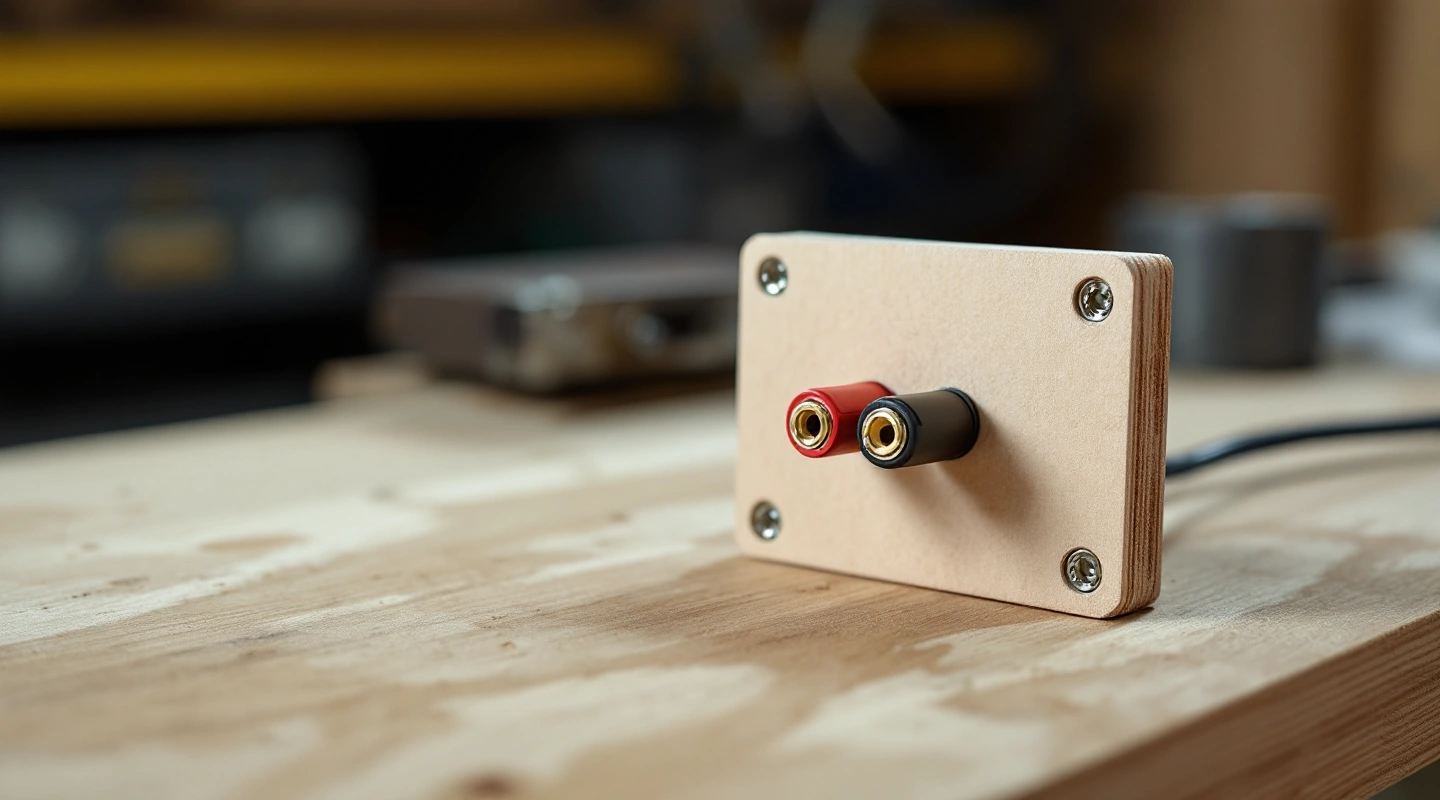
3 picks
3 Subwoofer Box Terminal Options in 2026
Compare binding posts, a spring terminal cup and a locking connector by mounting fit, wire access, sealing and the facts to confirm before cutting.
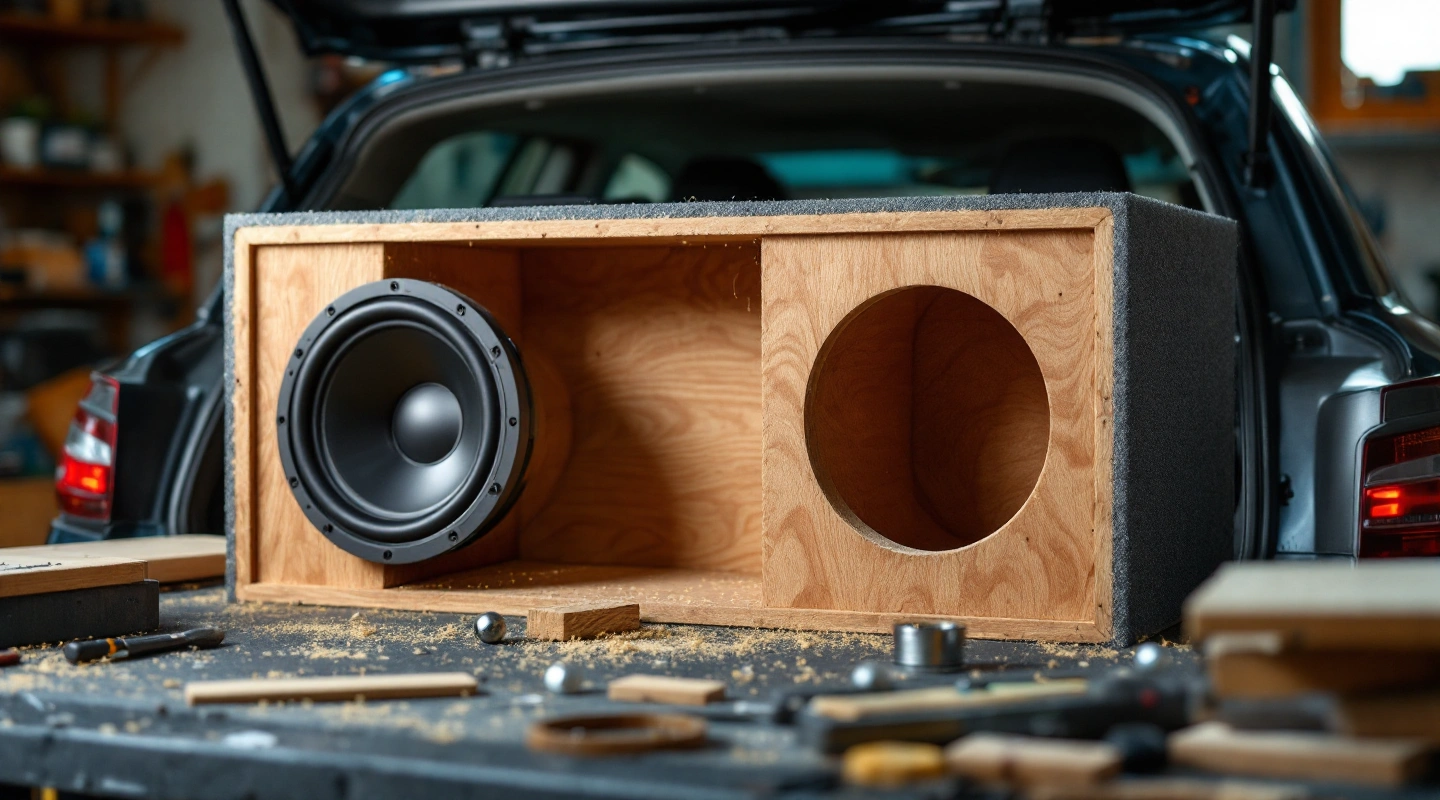
3 picks
3 Subwoofer Box Designs for Deep Bass in 2026
Compare three enclosure design routes for deep bass, with exact-driver alignment checks, vent-clearance limits and a clear account of what has not been measured.
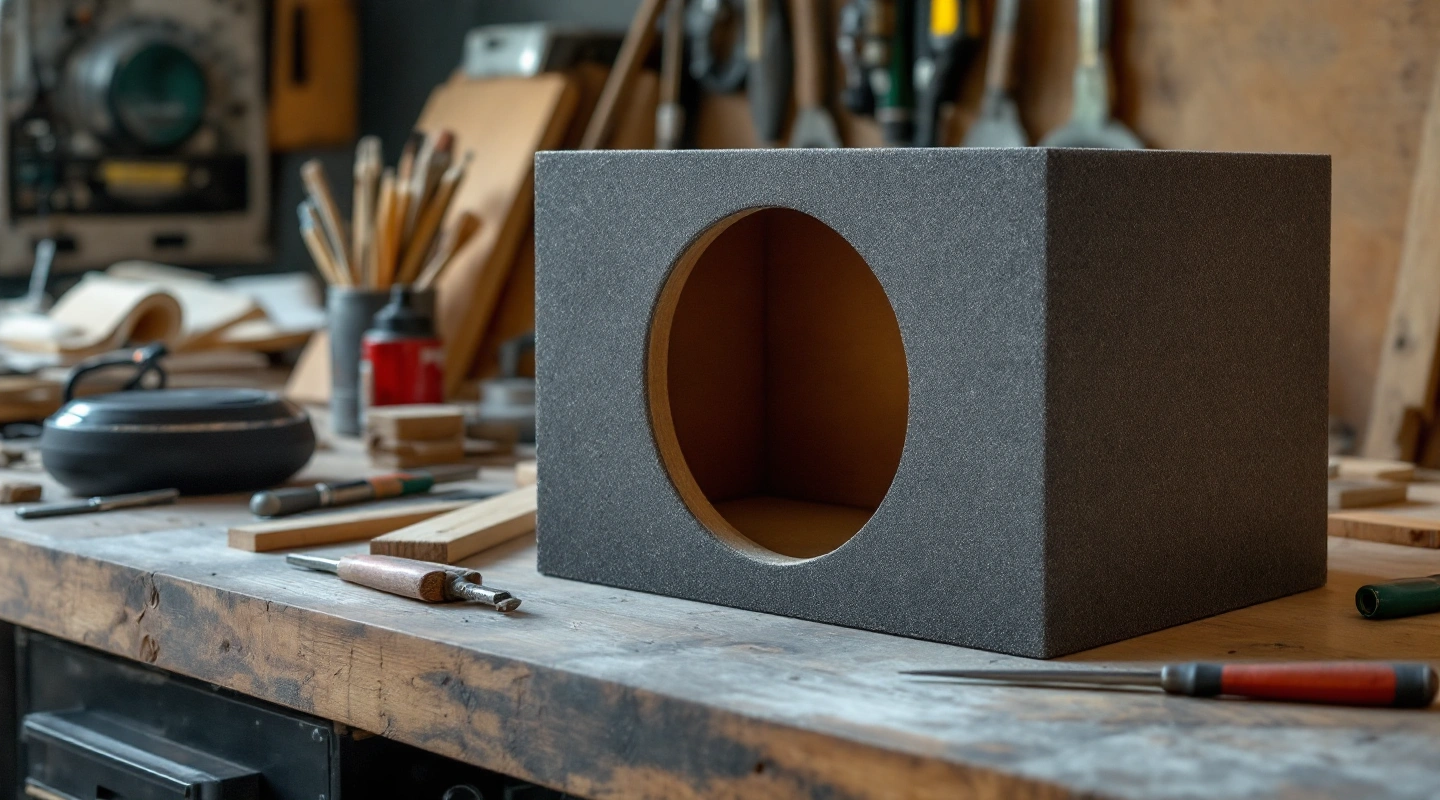
3 picks
3 Materials for a Subwoofer Box Compared in 2026
Compare plywood, small MDF stock and a composite resin kit by usable sheet size, thickness, joint design and the limits of each supply.
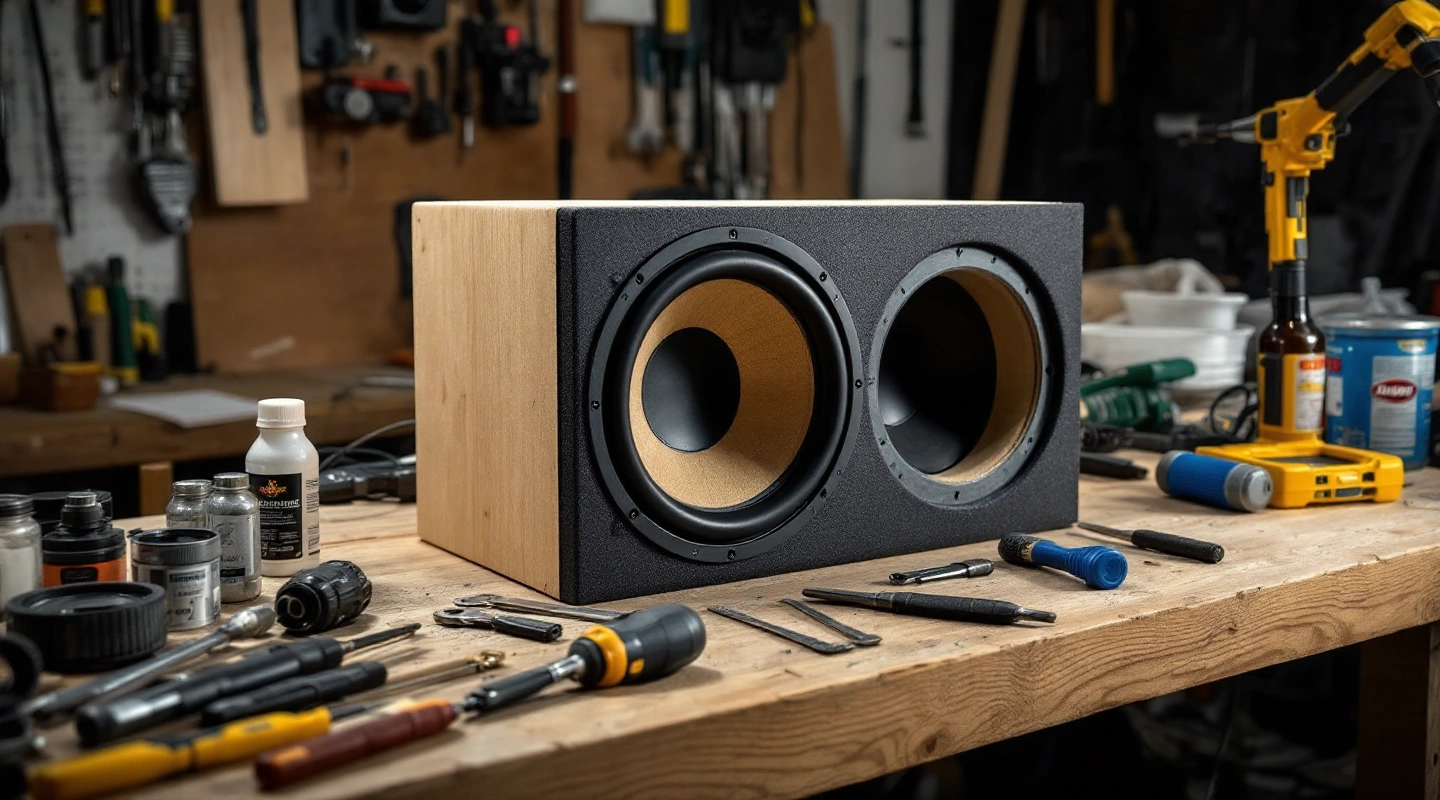
3 picks
3 Best Subwoofer Box Picks for Driver Fit in 2026
Compare three unloaded subwoofer boxes by driver count, sealed or vented layout, airspace and mounting fit, with source-linked limits for each choice.
3 picks
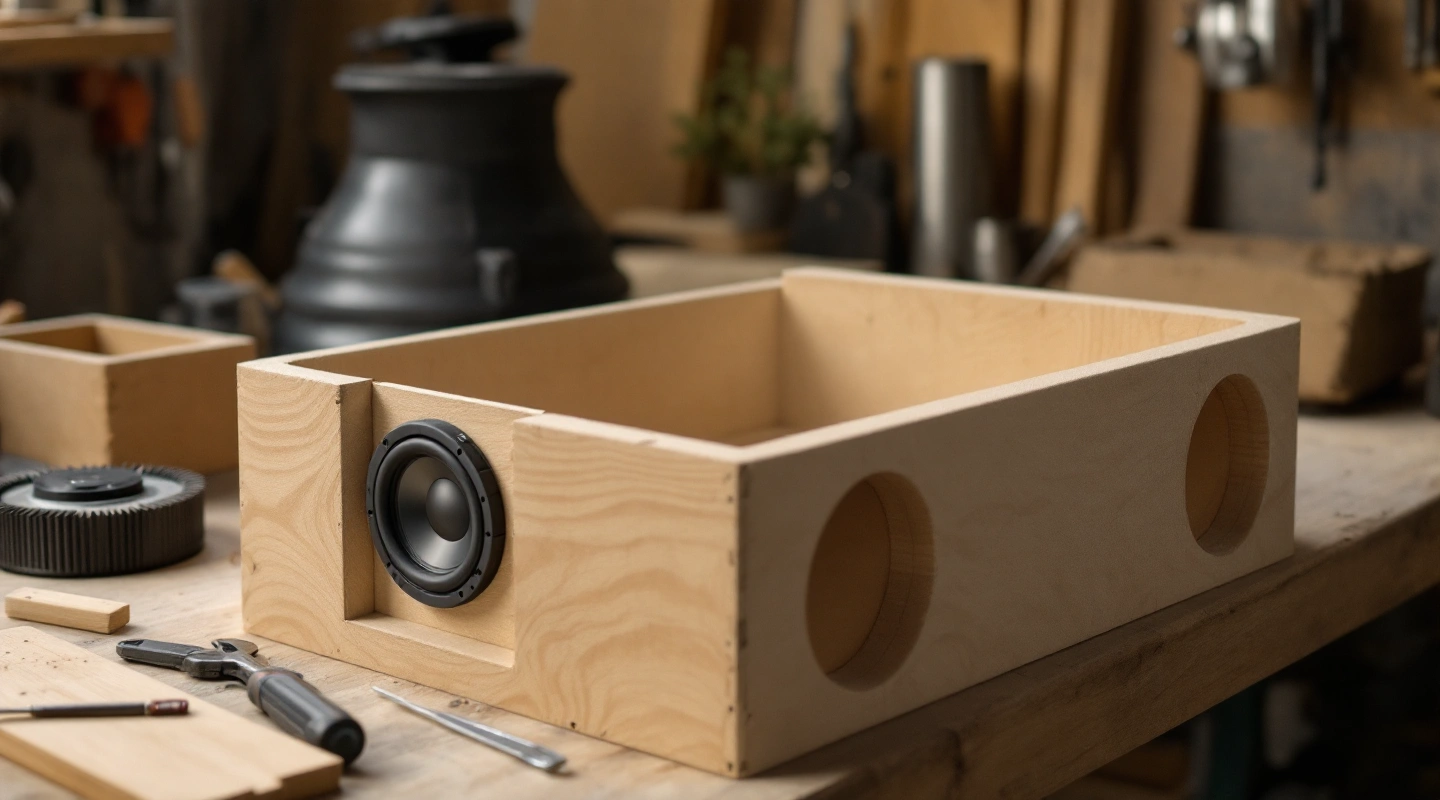
3 Closed Subwoofer Box Options for Driver Fit in 2026
Compare three sealed enclosure options by driver count, chamber volume and physical fit, then use the sealed alignment calculator for an exact-driver estimate.
3 picks
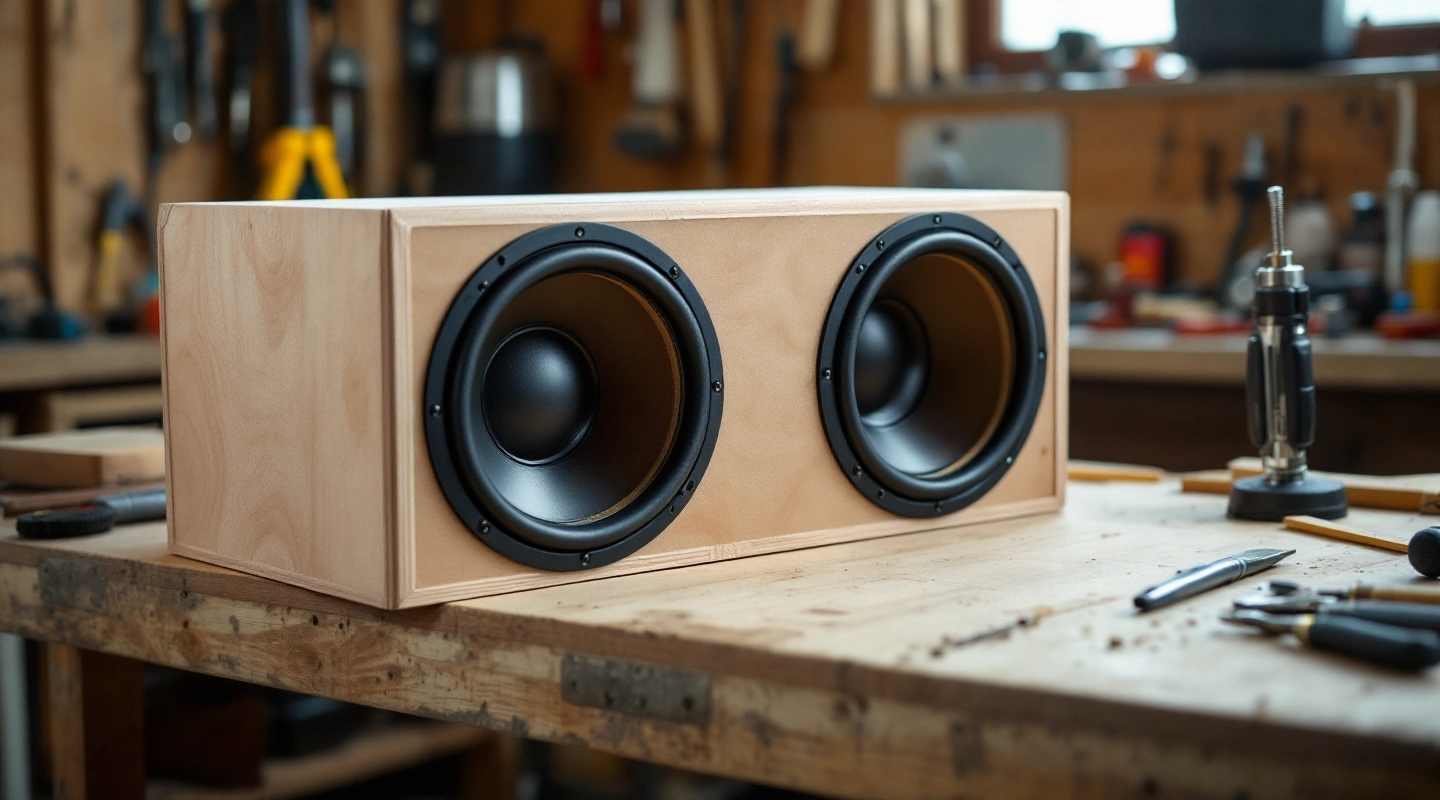
3 Dual 8 Inch Subwoofer Box Design Options in 2026
Compare three dual-eight enclosures, then work through the CWR8 volume check, divided-chamber layout, cutout sizes and wiring limits.
3 picks
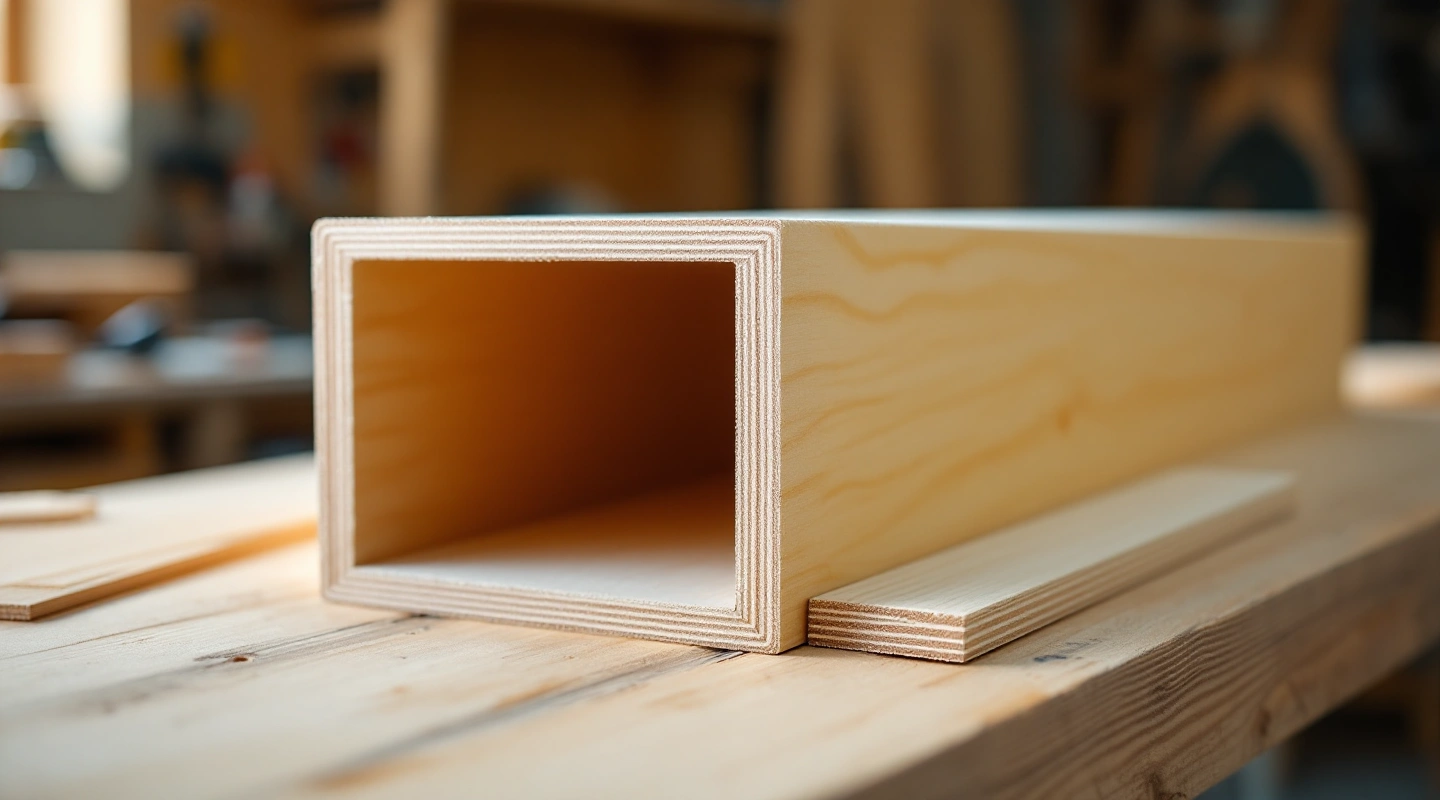
3 Subwoofer Port Options for Enclosure Builds in 2026
Compare two flared port kits and plywood for a custom slot, with clear-area calculations, length-method limits and mounting-clearance checks.
3 picks
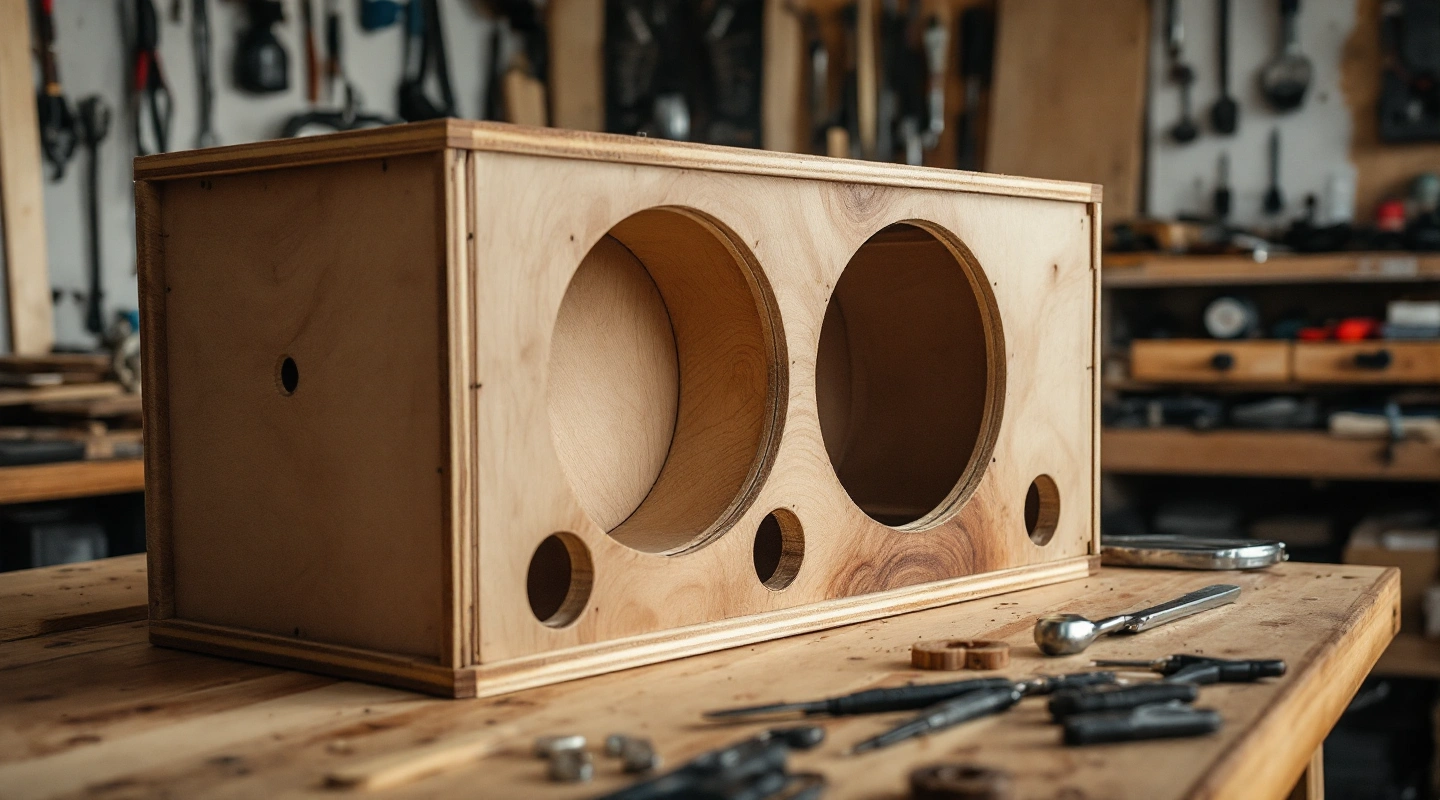
3 Enclosure Choices: Ported vs Sealed Subwoofer in 2026
Compare three sealed and vented enclosure options, with source-linked guidance on alignment, airspace, port packaging and operating limits.
3 picks
3 Subwoofer Box Plans and Enclosure Options in 2026
Compare three ready-made enclosure options and use free rectangular or wedge worksheets to plan the airspace, panels and fit for your exact driver.
Browse by topic
Construction and materials
3 Materials for a Subwoofer Box Compared in 2026
1 buying guide
Sealed enclosures
Ports and tuning
3 Enclosure Choices: Ported vs Sealed Subwoofer in 2026
1 buying guide
Fit and worked designs
Keep the build moving
Construction and materials
Measure panels, braces and joints.
Fit and worked designs
Read exact-model conventions and check sloped space.
Ports and tuning
Keep clear area, effective length and occupied volume together.
- Can You Port a Sealed Subwoofer Box?
- How to Build a Ported Subwoofer Box
- How to Calculate Port Area for a Subwoofer Box
- How to Seal a Ported Subwoofer Box
- Ported Subwoofer Box
- How to Tune a Subwoofer Box
- Subwoofer Port Calculator
- Subwoofer Port Chuffing
- 3 Subwoofer Port Options for Enclosure Builds in 2026
- 3 Enclosure Choices: Ported vs Sealed Subwoofer in 2026
Sealed enclosures
Explore ideal Qtc and net airspace.
Calculator and design methods
Work from the driver document before cutting.
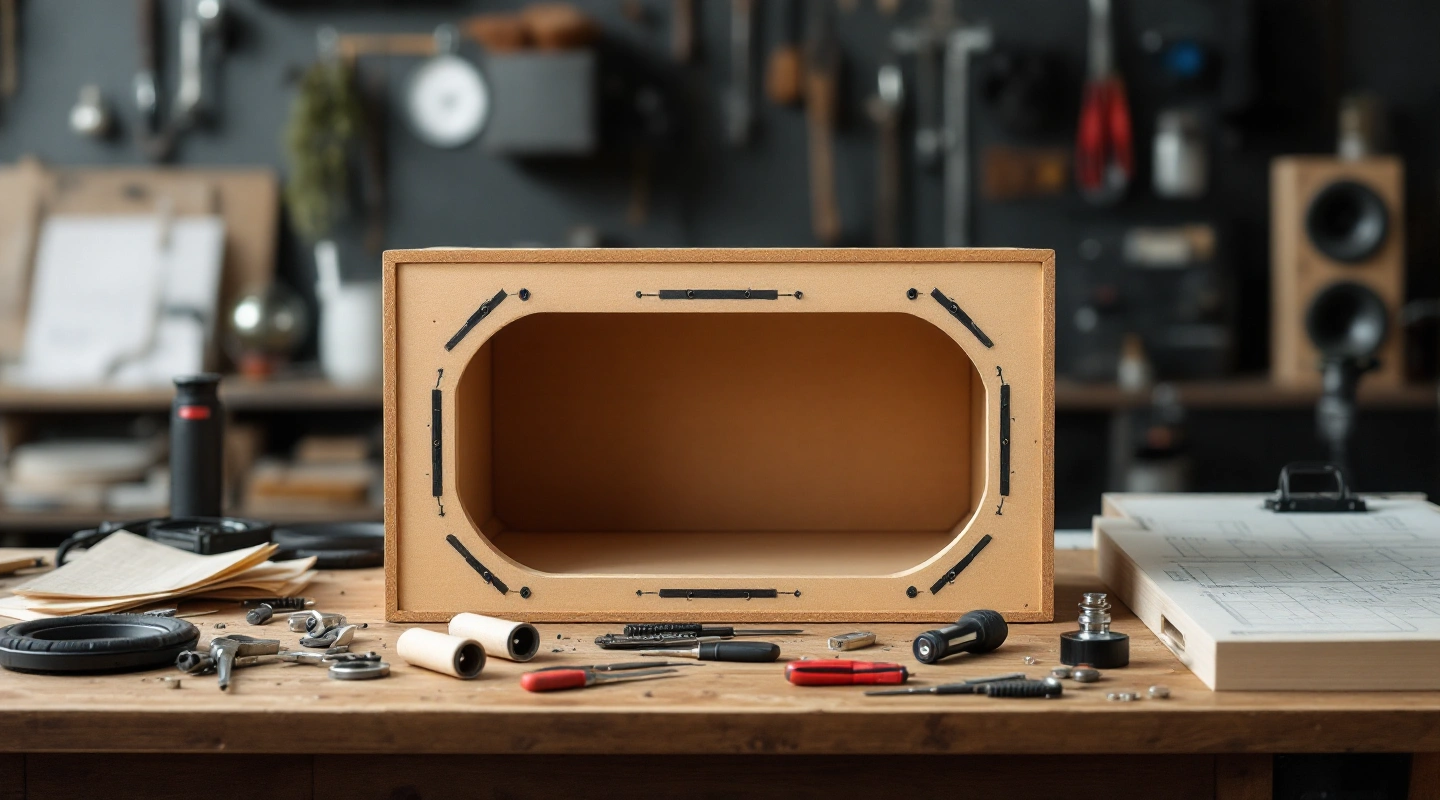
Use this subwoofer box calculator to check a rectangular box or solve its outside depth from a stated volume target. Enter the exact driver data you have. The result keeps empty cavity, occupied parts and usable airspace separate. You can print a panel worksheet or save the inputs without an account.
Measure the space first, then read the box target in your driver's manual. A net target needs room added for the driver and every other installed part. A gross target uses a different ledger. The calculator can show shell volume with missing driver data. Net airspace and mounting fit stay incomplete until the required fields are known.
On this page
Box calculator inputs and volume conventions
For an existing rectangular box, measure the finished outside width, height and depth. Measure the board itself rather than relying on its shelf label. Enter extra front layers if the baffle is thicker than the other walls. The baffle is the panel that holds the driver.
Target mode works in the other direction. Fix the outside width and height, select the manual's volume convention, and enter its target. The tool solves outside depth after adding the deductions that apply. A number copied from a listing without a volume definition is not enough for this step.
Three conventions need separate treatment:
- True net airspace: the remaining air around installed parts. Add occupied parts when sizing the empty cavity.
- Gross cavity: the empty space inside the shell. Subtract installed parts to find true net airspace.
- Driver included, port excluded: the stated target already allows for the driver. Add the port and any extra deductions the target does not include.
The 2021 KICKER CompR manual and the JL Audio 12W0v3 manual define their targets differently. Read the exact document, even when another driver has the same nominal diameter. Keep the volume definition attached to each target; do not infer it from the brand.
Read your volume ledger and fit result
Read the result as a ledger. Gross cavity comes first. The driver deduction follows, along with braces and any other parts inside the shell. The last line is usable net airspace when every deduction is known. A blank entry stays unknown.
Type zero only when you have checked that the item occupies no cavity space.
Driver displacement means the physical space occupied behind the mounting plane. Cone swept volume, often called Vd, describes cone motion. These are different quantities. Do not use one in place of the other just because the units match.
In a ported box, the port's inside diameter sets clear area. Its outside diameter and length inside the cavity set space taken up. The tube's wall passage and any part outside the box do not use the same cavity space as the inside section. A slot also needs the actual inside partition volume, with shared walls counted once.
Fit is a separate check from volume. A shell can have enough airspace while the driver frame crosses an edge. Mounting depth, rear clearance, cutout centers, brace positions and the port route all matter. Unknown fit checks remain visible on the worksheet. A volume result alone is not a cutting approval.
Diagram and printable cut sheet
The rectangular panel plan uses butt joints. Front and back panels cap the edges. Both sides run full height between them. Top and bottom panels sit between the sides. Extra front layers cover the full front face.
Changing this joint layout changes the cut list.
The dimension diagram uses the current numeric layout. It shows the front, top and side views with an exploded panel view. Hole positions need entered coordinates; the drawing does not choose a safe drilling location or infer a motor's outline from its nominal size.
Print keeps the dimensions and panel quantities with the volume ledger. It also lists assumptions, source links and missing checks. Panel sizes describe finished pieces. Allow for the saw's kerf when laying pieces on a sheet, then check the tool setup against its manual. The plan does not add a fixed cutting allowance.
Save a local JSON file before revising a design. It keeps units, formula version and the raw inputs. Keep a separate copy for each layout. Rounded screen sizes help reading; the file keeps the math precision. Neither is a promise of machining accuracy.
Build shopping checklist
Once the result is usable, make a list tied to that plan: board thickness and panel sizes, brace layout, a gasket, terminal mounting details and any stated vent parts. Check a driver's actual template before buying a hole cutter. A nominal 12-inch driver does not imply a 12-inch cutout.
For a sealed build, start with the sealed alignment calculator if you want to compare ideal Qtc and net volume. For a sloped rear wall, use the wedge volume worksheet. A rectangular rough model can hide a material airspace error.
Worked math checks
Rectangular shell: empty cavity only
Take outside sizes of 41 × 14 × 14 inches and 0.75-inch walls, with one front layer. Inside sizes are 39.5 × 12.5 × 12.5 inches. Their product is 6171.875 cubic inches. Divide by 1728 to obtain 3.571687 cubic feet gross. This checks the rounded construction example in KICKER's box guide.
That number does not recommend a driver. If driver or brace displacement is missing, the net result stays unknown. A complete shell calculation is not enough to label 3.572 cubic feet as usable net airspace.
Fresh net-target example
For an arithmetic example, choose 1.375 cubic feet net, an 18-inch outside width, a 16-inch outside height and 0.75-inch walls. Use 0.048 cubic feet occupied driver volume, plus assumed brace and terminal volumes of 0.030 and 0.002 cubic feet. Those last two are example inputs, not maker defaults.
Required gross cavity is 1.455 cubic feet. Inside width and height are 16.5 and 14.5 inches. Dividing the required cubic inches by that cross section gives 10.508840 inches inside depth. Add front and back thickness to obtain 12.008840 inches outside depth. Subtract the same deductions from the resulting cavity and the net result returns to 1.375 cubic feet.
Port math check
The UNSW Helmholtz example supplies a useful equation check. With 0.00292 cubic meters of cavity, 0.00083 square meters of neck area, 0.105 meters effective length and sound speed 343 meters per second, the equation gives 89.8188 Hz. The source rounds this to 90 Hz. This checks the equation, not a finished car box.
Box calculator formulas and sources
For outside sizes W, H and D, side thickness t and front thickness b:
Wi = W − 2t; Hi = H − 2t; Di = D − t − b
Vgross = Wi × Hi × Di / 1728 when lengths are inches.
Vnet = Vgross − drivers − braces − terminals − internal port envelope
For a vent, the first estimate is Fb = c/(2π) × √(A/(Vnet × Leff)) in SI units. Effective length includes end effects; physical length is what you build. The port calculator explains the round-end assumptions and requires an entered correction for a slot or flare treatment.
Formula version 1.0.0 uses exact unit conversions internally. One cubic foot is 1728 cubic inches or 28.316846592 liters. The wedge offset and panel layout were derived independently, then checked in their rectangular limits. The acoustic formulas were checked against the named worked examples. These are checks of equations and published data; no physical build or listening test is claimed.
FAQ
Does speaker size determine box volume?
No. Diameter helps identify the driver, but it does not supply a box target. Use the exact model and manual revision. Two drivers with the same diameter may need different volumes, vent arrangements or mounting space. The model reference table keeps those stated targets separate.
Can I enter sizes in millimeters?
Yes. Choose the measurement units before entering a plan. The tool converts lengths and volumes for the equations, then labels the displayed results. Recheck the unit choice after importing a file. A value copied from a manual still needs its original unit and volume convention.
Why is my net volume unknown?
At least one occupied-space entry is missing. The empty cavity can still be computed, but the final airspace cannot. Find the physical driver displacement and measure the other intrusions. Do not enter zero just to remove the warning. Entering zero states that the part takes up no cavity space.
Can I print without sending my measurements?
Yes. Calculation, local file saving and browser printing run on your device. Printing may offer a PDF destination through your browser. Check the worksheet for unknown fit items before cutting. Your saved plan records assumptions as well as results so that you can repeat the calculation later.
Verdict
Use the subwoofer box calculator to check measurements with the exact manual, then check the physical layout before cutting. Keep the target convention attached to the number. Continue with the source-backed size chart, box construction steps or port tuning guide for the next task.
Last updated